Introduction
Camera FV-5 digital world, everyone loves taking beautiful and high-quality photographs. Smartphones have become an important part of our daily lives, and people use their mobile to capture memorable moments, travel experiences, nature, family pictures, and social media content. However, sometimes the default application does not provide enough manual controls to capture the type of photographs we want. This is where Camera FV-5 Lite becomes useful.
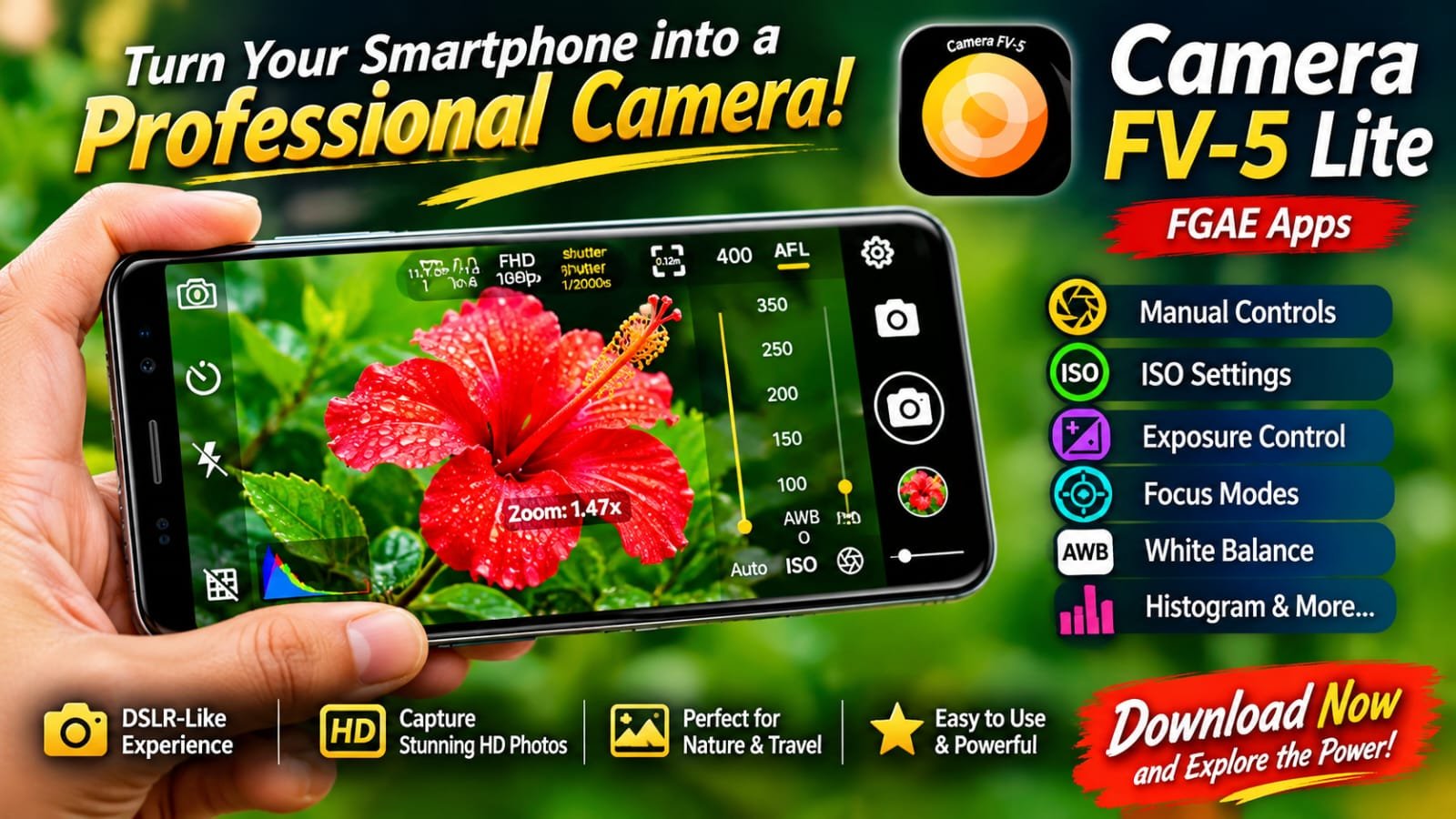
Lite is a professional-style application developed by FGAE Apps. It is designed to provide DSLR-like manual photography controls on Android smartphones. With this application, users can adjust important settings such as ISO, exposure compensation, focus mode, and white balance. These options help users understand photography better and capture clearer, more balanced, and more attractive pictures using their smartphone cameras.
1. How to Download and Install the Application
Camera FV-5 Lite is an Android photography application that gives users greater control over their smartphone Instead of depending entirely on automatic camera settings, users can manually adjust different photography parameters according to their surroundings and lighting conditions.
The application is particularly useful for people who enjoy mobile photography and want to experiment with professional camera settings. Whether you want to photograph beautiful landscapes, flowers, buildings, people, or everyday objects,Lite provides several useful controls.
2. What Is Camera FV-5 Lite?
Camera FV-5 Lite is simple. Android users can find the application through the Google Play Store.
First, open the Google Play Store on your smartphone. Search for Camera FV-5 Lite in the search bar. Check that the developer name is FGAE Apps and select the correct application.
The application will display its camera interface. You can explore the available controls and begin taking photographs. The settings and available features may vary depending on your smartphone model and Android version.
3. DSLR-Like Manual Camera Controls
Traditional smartphone cameras generally select many settings automatically. However, this application provides access to several important photography adjustments.
4. IO Settings for Better PhotographyS
Camera FV-5 photographs in bright outdoor conditions, a lower ISO setting can help produce cleaner images with less visible noise. In darker environments, increasing ISO can make the photograph brighter.
Camera FV-5 Lite provides ISO adjustment options, although the available values depend on the smartphone’s camera hardware.
5. Exposure Compensation for Balanced Images
For example, when photographing a person in a bright outdoor environment, you may need to adjust exposure to make the subject more visible.
6. Focus Settings for Clear Pictures
Focus plays an important role in producing sharp and attractive photographs.
Camera FV-5 Lite provides different focusing options, including autofocus, macro focus, touch-to-focus, and other supported focus modes.
Touch-to-focus is helpful when you want to select a particular object or area on the screen. Macro focusing can be useful when photographing small subjects, such as flowers and other close-up objects, if supported by the device.
7. White Balance for Natural Colours
White balance helps maintain natural-looking colours in different lighting conditions.
Photographs taken under sunlight, cloudy skies, indoor lights, or artificial lighting can sometimes have different colour tones.
Using the correct setting can make photographs look more realistic and visually attractive.
8. Capture Beautiful Nature and Landscape Photography
Camera FV-5 Lite can be useful for capturing nature and landscape photographs.
You can photograph mountains, gardens, beaches, trees, rivers, and beautiful outdoor locations using the available camera controls.
Good lighting, proper composition, and careful focusing can make a significant difference to your final photograph.
9. Night Photography and Low-Light Conditions
Taking photographs at night can be challenging because the camera receives less available light.
provides manual photography controls and long-exposure options on compatible devices. These features can help users experiment with night photography.
Remember that the availability of advanced shutter-speed controls depends on your smartphone’s hardware and software support.
10. Composition Tools and Photography Experience
Another useful feature is the DSLR-like viewfinder display.
The application offers composition grids, crop guides, and a live RGB histogram. These tools help users understand image framing, brightness distribution, and subject placement.
11. Save and Manage Your Photographs
After capturing photographs, users can organize their images and access them through their device’s available storage and gallery applications.
The application also provides customizable file organization options.
The Lite version has limitations compared with the paid version, including restrictions on maximum picture resolution. RAW capture is also not available in the Lite version. Therefore, users should check the application details before expecting every professional feature.
12. Tips to Capture Better HD-Quality Photos
Here are some simple tips to improve your smartphone photography experience:
1. Clean your smartphone camera lens before taking pictures.
2. Use natural daylight whenever possible.
3. Keep your smartphone steady while capturing photographs.
4. Select the correct focus mode for your subject.
5. Avoid using excessive digital zoom.
6. Experiment with ISO and exposure settings.
7. Adjust white balance according to the lighting environment.
These small techniques can help you capture better-looking photographs without purchasing an expensive camera.
13. Advantages of Camera FV-5 Lite
It provides manual controls, DSLR-like camera settings, different focus options, exposure adjustments, ISO controls, and white balance settings.
It can also be a useful learning application for beginners who want to understand the relationship between light, focus, exposure, and image quality.
14. Important Things to Remember
offers useful photography controls, it is important to understand that an application cannot turn every smartphone into a professional DSLR camera.
Some advanced options may not work on every smartphone. The Lite version also has resolution and RAW-capture limitations.
For the best experience, users should explore the settings supported by their particular device and practise taking photographs in different environments.
Conclusion
Lite is an interesting Android application for people who want to improve their smartphone photography experience. Developed by FGAE Apps, it offers DSLR-like manual controls that allow users to experiment with ISO, exposure compensation, focus, white balance, and other photography settings.Overall, Lite is worth exploring if you want tounderstand manual photography controls and make better use of your smartphone It provides a convenient way to learn photography and experiment with professional-style camera settings directly from your Android smartphone.